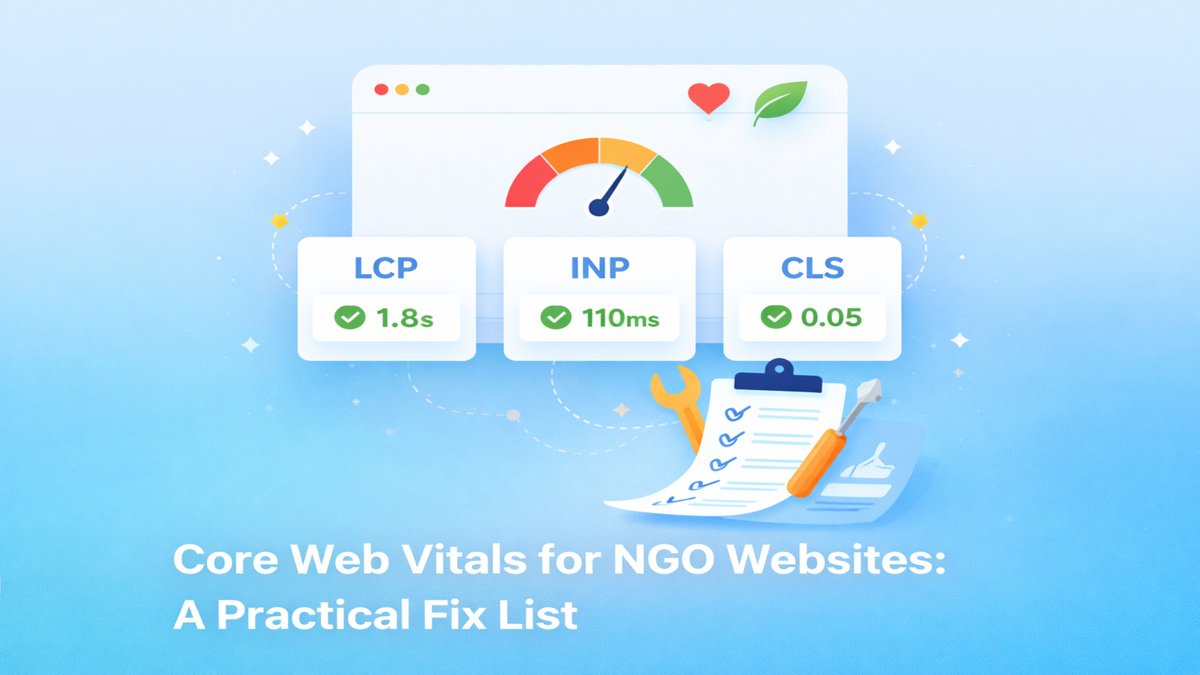
Core Web Vitals for NGO Websites: A Practical Fix List
Most NGO websites lose donors and volunteers for one simple reason: the site feels slow, confusing, or hard to trust. The visitor might arrive from Instagram, WhatsApp, or a shared link in a community group. They’re curious, but they’re also impatient. If the page takes too long to load, or the layout jumps around, they leave — and you never even get a chance to tell your story.
The good news: you don’t need a massive redesign or expensive tooling to fix this. With a few focused changes, you can improve Core Web Vitals, accessibility, and SEO — and make your site feel reliable on real-world devices.
What are Core Web Vitals (and why NGOs should care)
Core Web Vitals are user-experience metrics. They’re not “marketing jargon”; they’re a measurement of whether a page feels fast and stable. For NGOs, they matter because:
- Your audience is diverse — many visitors use mid-range phones and slower networks.
- Trust is everything — “glitchy” sites feel unsafe, even if your work is credible.
- Most NGO traffic is emotional and time-sensitive — people act when they feel moved.
Three metrics sit at the center:
- LCP (Largest Contentful Paint): how quickly the main content appears.
- INP (Interaction to Next Paint): how responsive the site feels when a user taps or clicks.
- CLS (Cumulative Layout Shift): whether the page jumps around while loading.
Step 1: Fix your hero section (LCP wins)
On most NGO sites, the hero image or headline becomes the LCP element. If that loads late, the entire site “feels” late. The best fixes are boring — and that’s why they work:
- Use the right image size. Don’t serve a 3000px image if the hero shows a 1200px image.
- Use responsive images (multiple sizes), so phones download smaller files.
- Use modern formats like WebP. They look the same but weigh less.
- Lazy-load below-the-fold images, not the hero.
Practical test: open your homepage on a normal phone data connection. If you see a blank block before the headline appears, you have an LCP problem.
Step 2: Reduce JavaScript for real devices (INP wins)
Many templates add heavy JavaScript for things you don’t need: sliders, animations, tracking scripts, chat widgets, extra frameworks. On a developer machine, everything feels fine. On a typical phone, taps feel delayed.
To improve INP, think like a “minimalist engineer”:
- Delete scripts you don’t need. Every third-party script is a risk and a slowdown.
- Defer what you keep. Non-critical scripts should load after HTML.
- Prefer CSS for simple effects. Many animations can be CSS-only.
- Avoid giant bundles. If you don’t need React for an NGO landing page, don’t use it.
If you want an example of a lightweight approach, see my NGO Website Rebuild case study — the goal is “fast first, fancy second”.
Step 3: Stop layout jump (CLS wins)
CLS is the “page jumps while loading” issue. Visitors hate this because it breaks reading flow and can cause accidental clicks (which feels unsafe).
Common CLS causes:
- Images without fixed dimensions
- Late-loading fonts that resize text after render
- Cards/grids that expand when content loads
- Popups or banners injected after the page is already visible
Fixes you can apply immediately:
- Always set
widthandheighton images (or CSS aspect-ratio boxes). - Use a stable font fallback (system font) and keep “swap” behavior.
- Reserve space for components like testimonials, blog cards, or hero images.
Step 4: Accessibility improves SEO and trust
Accessibility is not only for compliance. It’s a growth strategy. When a site is accessible, it becomes clearer, more structured, and easier for search engines to understand.
Start with the basics:
- One H1 per page. Make it describe the page’s main promise.
- Clear H2 sections that map to your visitor’s questions.
- Descriptive links like “Read our impact report” (not “click here”).
- Contrast that works in sunlight and for low-vision users.
- Keyboard navigation for menus, buttons, and forms.
When you do this well, visitors feel “this organization is professional”. That trust matters for donations.
Step 5: Make the donation/volunteer path ridiculously simple
Your site should answer three questions quickly:
- What do you do?
- Why does it matter (impact)?
- What should I do next (donate, volunteer, partner)?
A practical structure:
- Impact: 3–5 numbers (people helped, meals served, etc.)
- Stories: one short story with a photo and caption
- Trust: transparency page, annual report, compliance details
- CTA: a prominent donate/volunteer button
SEO basics for NGOs (without keyword stuffing)
NGO SEO works best when you write for real questions:
- “How to volunteer in [city]”
- “How to donate to [cause] safely”
- “What is [cause] and why it matters”
Each blog post should link to the next meaningful step: Contact, your volunteer page, or your donation page. Internal linking isn’t only for Google — it guides humans.
A quick fix checklist you can run today
- Compress and serve responsive images (WebP).
- Defer non-critical scripts; remove unnecessary third-party widgets.
- Fix CLS by reserving space and setting image dimensions.
- Improve headings, link text, and contrast.
- Add internal links from Home → Projects → Case Study → Contact.
How to measure improvements (free tools)
You don’t need paid software to track progress. Use these steps:
- Run Lighthouse (Chrome DevTools) and note LCP/INP/CLS.
- Use PageSpeed Insights for your main pages and save the report links.
- After changes, re-test on mobile and compare the metrics.
Important: test more than once. Network conditions vary, so focus on trends, not a single number.
Common mistakes to avoid
- Too many sliders: they look impressive but often slow everything down.
- Autoplay video in the hero: heavy and distracting for first-time visitors.
- Popups before trust is built: they reduce donations and increase bounces.
- Long, vague pages: break content into sections with headings and clear CTAs.
FAQ
How long does it take to see results?
Performance improvements are immediate. SEO changes can take a few weeks to reflect in search visibility, especially for new domains. But users will feel the site improve instantly.
Do I need to rebuild the whole website?
Not usually. Most gains come from optimizing images, cleaning the critical CSS/JS path, improving structure, and clarifying content.
Next steps
If you’re building a site intentionally, start with Start Here, explore Projects, and review the NGO Website Rebuild for a concrete example. If you want help prioritising fixes and implementing them safely, I’m happy to help.
Want help implementing this on your site?
If you want a faster, cleaner, SEO-first website (without breaking things), I can help.
Let’s talk See projectsWant more like this?
Follow me on Hashnode or Medium — new posts coming weekly.